Capture
Photos, Live Photos, and video
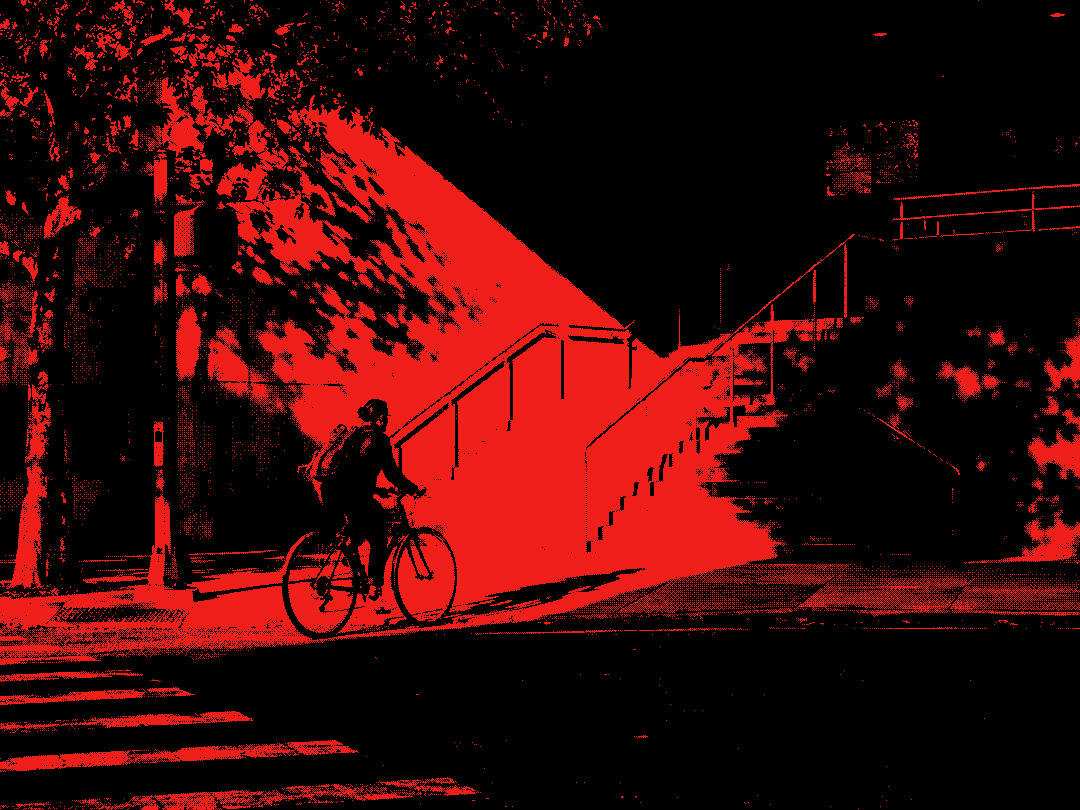
See the effect in the viewfinder. Take a still, capture a Live Photo on a supported camera, or record video.
Two-tone camera for iPhone
Pick a color to pair with black. Frame and capture the light around you in two tones.
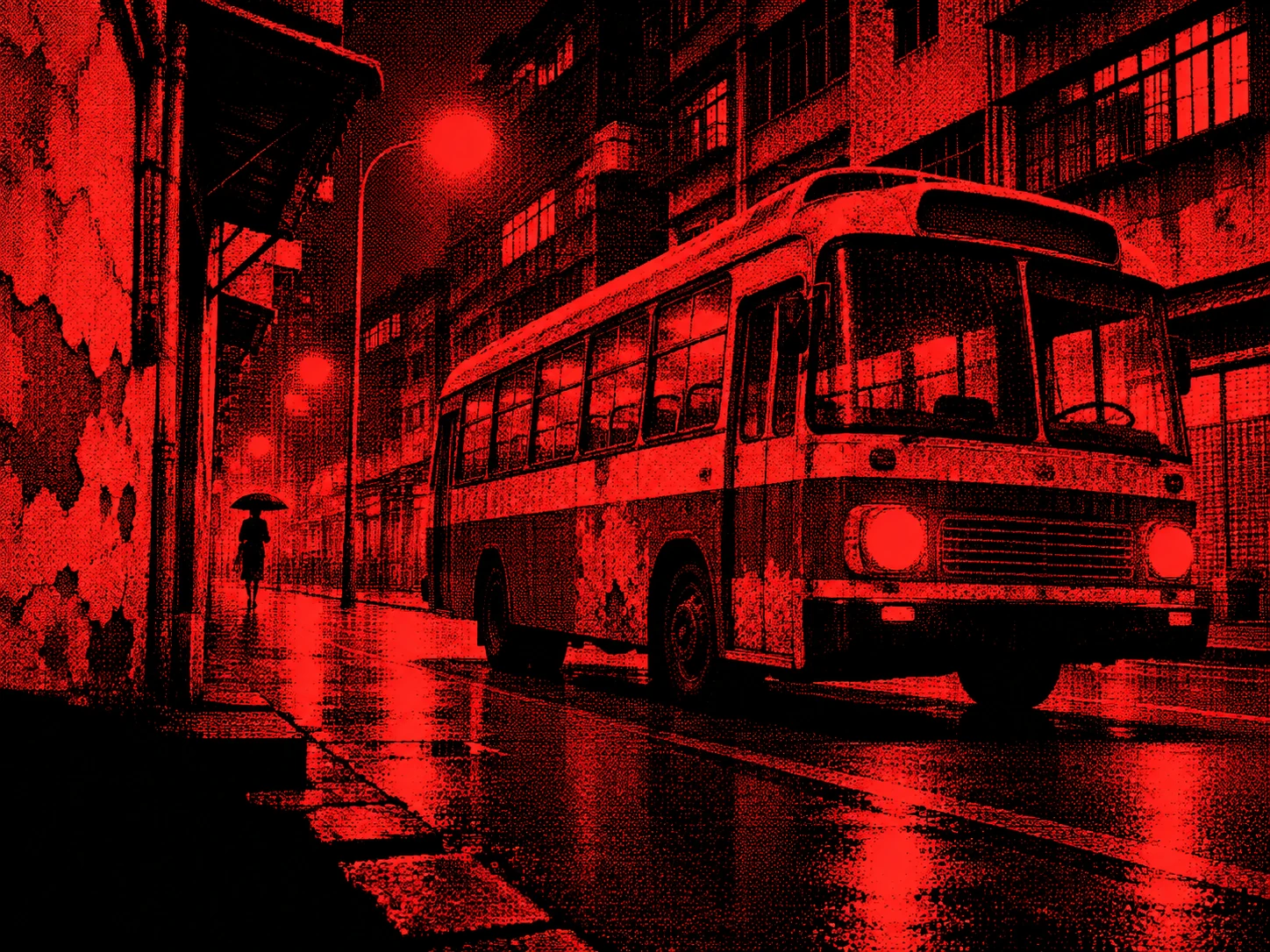
Choose a color to see how it changes the light and shadows in the same photo.
Capture
See the effect in the viewfinder. Take a still, capture a Live Photo on a supported camera, or record video.
Viewfinder
Tap the preview to set focus and exposure. Pinch to zoom, or hold a zoom preset and drag the dial. Switch between the front and rear cameras as you frame your shot.
Edit
Open a photo or video from your library and apply the two-tone effect. Touch and hold the preview to see the original.